
Starting a YouTube channel has never been easier. Whether you want to earn money online, build your personal brand, or share your knowledge with the world, YouTube offers endless opportunities. In this guide, you’ll learn exactly how to create a YouTube channel from scratch, even if you’ve never used YouTube as a creator before.

nvnh
STEP 1 : CREATE A GOOGLE ACCOUNT
To create a YouTube channel, you’ll first need a Google account. If you already use Gmail, you already have one. If not, visit Google’s sign-up page and create a free account using your email address, password, and basic information
STEP 2 : SIGN INTO GOOGLE YOUTUBE
Go to YouTube and sign in using your Google account. Once you’re logged in, click on your profile picture in the top-right corner and select Create a Channel.
STEP 3 : CHOOSE YOUR CHANNEL NAME
Your channel name is your online identity. Pick a name that is easy to remember, simple to spell, and related to your content. Avoid using complicated words or random numbers.
STEP 4 : UPLOAD A PROFILE AND BANNER
A professional profile picture and channel banner help build trust with viewers. Use a clear logo or photo and create a banner that represents your niche.
STEP 5 : WRITE YOUR CHANNEL DESCRIPTION
Tell visitors what your channel is about. Explain what type of videos you’ll upload and why people should subscribe.
Example:
Welcome to my channel! Here you’ll find easy tutorials, technology tips, and online earning guides. Subscribe for new videos every week.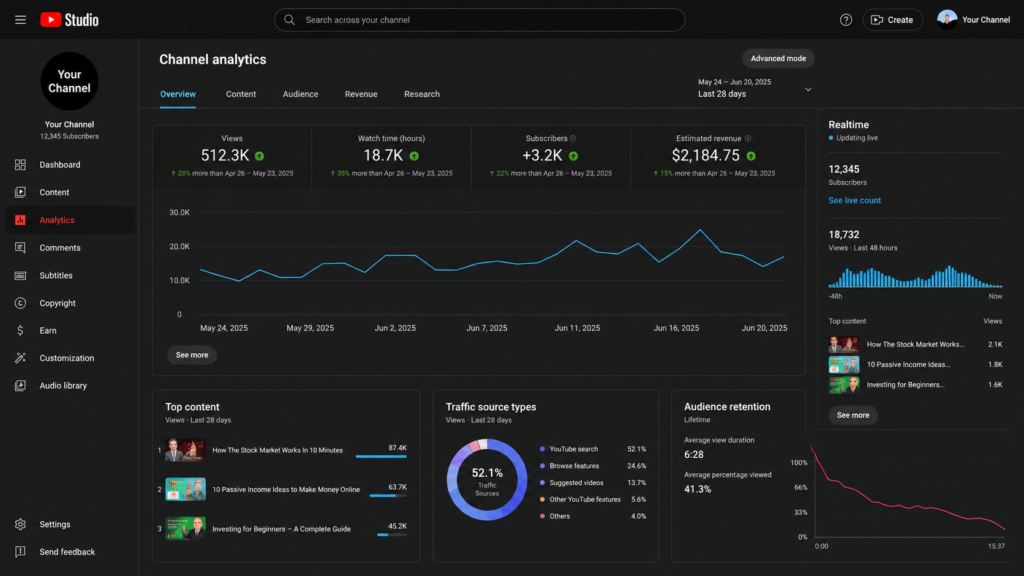
STEP 6 : VERIFY YOUR YOUTUBE CHANNEL
Verify your channel using your phone number. Verification unlocks useful features like custom thumbnails, longer videos, and live streaming.
STEP 7 : CUSTOMIZE YOUR CHANNEL
Add links to your website and social media accounts. Organize your homepage with playlists and featured videos so visitors can quickly find your best content.
STEP 8 : UPLOAD YOUR FIRST VIDEO
Click the Create button and upload your first video. Write an attractive title, a detailed description, and choose relevant tags. Create a custom thumbnail to improve your click-through rate.
TIPS FOR GROWING YOUR YOUTUBE CHANNEL
• Upload videos consistently.
• Use eye-catching thumbnails.
• Research keywords before making videos.
• Focus on providing value.
• Respond to comments.
• Improve your video quality over tim